Webflow vs WordPress: Which Is Better for Custom Development?
We are a corporation that creates Professional IT development Services. Our team consists of skilled individuals that are developing the future of IT today!
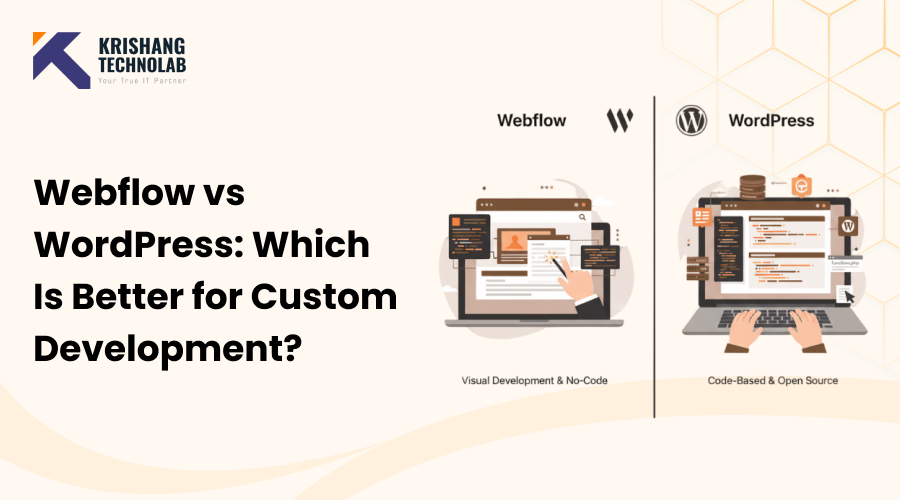
Choosing the right platform for creating a website is one of the most important considerations for developers, designers, and small business owners. At the end of the day, there are two generally used systems for bespoke website development: Webflow and WordPress.
But which platform is best for bespoke website development if you're a small business, startup, or working on more sophisticated online projects? This blog will go over the benefits and downsides of Webflow versus WordPress for developers, allowing you to make an informed decision. Whether you are a company entrepreneur, designer, or developer handling client projects, it is important to understand these differences in order to save time, money, and effort.
What is Webflow, and how does it work for custom development?
Webflow is a visual website creation tool that enables designers and developers to create sites with minimal backend coding. It includes a drag-and-drop interface as well as the ability to alter HTML, CSS, and JavaScript. As a creative, entrepreneur, or team, you can use expert Webflow development services to construct websites and have your ideas turned into specific solutions when using the Webflow platform.
Webflow has the following key features:
The following are some of the primary reasons for Webflow's success as a platform for creating personalized websites:
Visual editor with drag-and-drop functionality makes prototyping simple.
Real-time design views to ensure layouts are pixel-perfect
Integrated CMS for dynamic content, hosting with SSL and global CDN, and e-commerce support for small web shops.
Webflow's features benefit developers by enabling faster work and easier project management:
Quick setup and deployment.
Excellent for design-oriented jobs.
Very little server maintenance.
Cons of Webflow for Developers:
Regardless of these benefits, Webflow has various limitations that developers need to be aware of:
Limited backend extensibility.
There are fewer third-party integrations than with WordPress, and enhanced options are more expensive.
To get started with Webflow now, the platform includes templates, tutorials, and hosting as part of your membership.
source : https://www.krishangtechnolab.com/blog/webflow-vs-wordpress-custom-development/
#WebflowDevelopment #WordPressDevelopment #WebflowVsWordPress #CustomWebDevelopment #WebDesignTools #NoCodeDevelopment #CMSComparison #WebsiteDevelopment


